QR codes for guest Wi-Fi that survive the next password
The Wi-Fi code on the counter is the most scanned code in the building, and the only one you cannot repair once it breaks. A WIFI: code carries the password in its pixels, so a new password kills every printed card. Here the code opens a page with the current password, and the card stays as it is.
The setup, end to end
- Under "Points to", choose Wi-Fi and type the network name and the password. The code gets a short link like every other code here.
- Print it once: on the counter, on the table, in the receipt footer.
- When the password changes, change it in the account. Every printed card shows the new one from the next scan, and the scans are counted.
What the tagged link looks like
https://example.com/wifi?s=Cafenea Central&p=espresso-2026&utm_source=counter-card&utm_medium=qr&utm_campaign=guest-wifiAppended when the code is scanned rather than printed into the image, so the tags stay editable after the artwork is on paper. The Wi-Fi card is a page on this site, not yours, so its tags reach no GA4 of yours. The scans are counted in your account instead.
Show me the screens6 steps
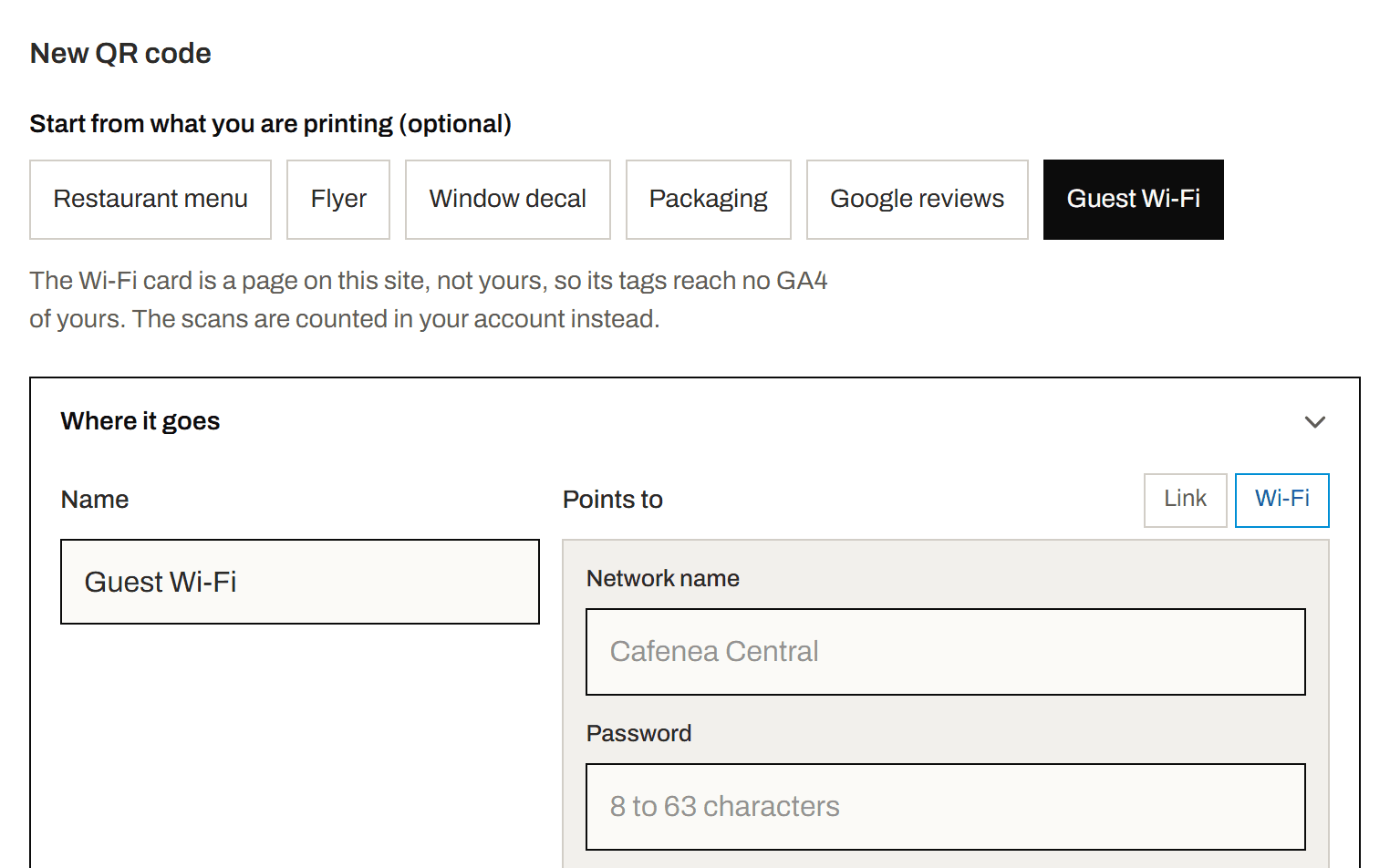
Step 1 of 6
Start from Guest Wi-Fi
In your account, under “New QR code”, pick “Guest Wi-Fi”. “Points to” switches to Wi-Fi and the placement is filled in.
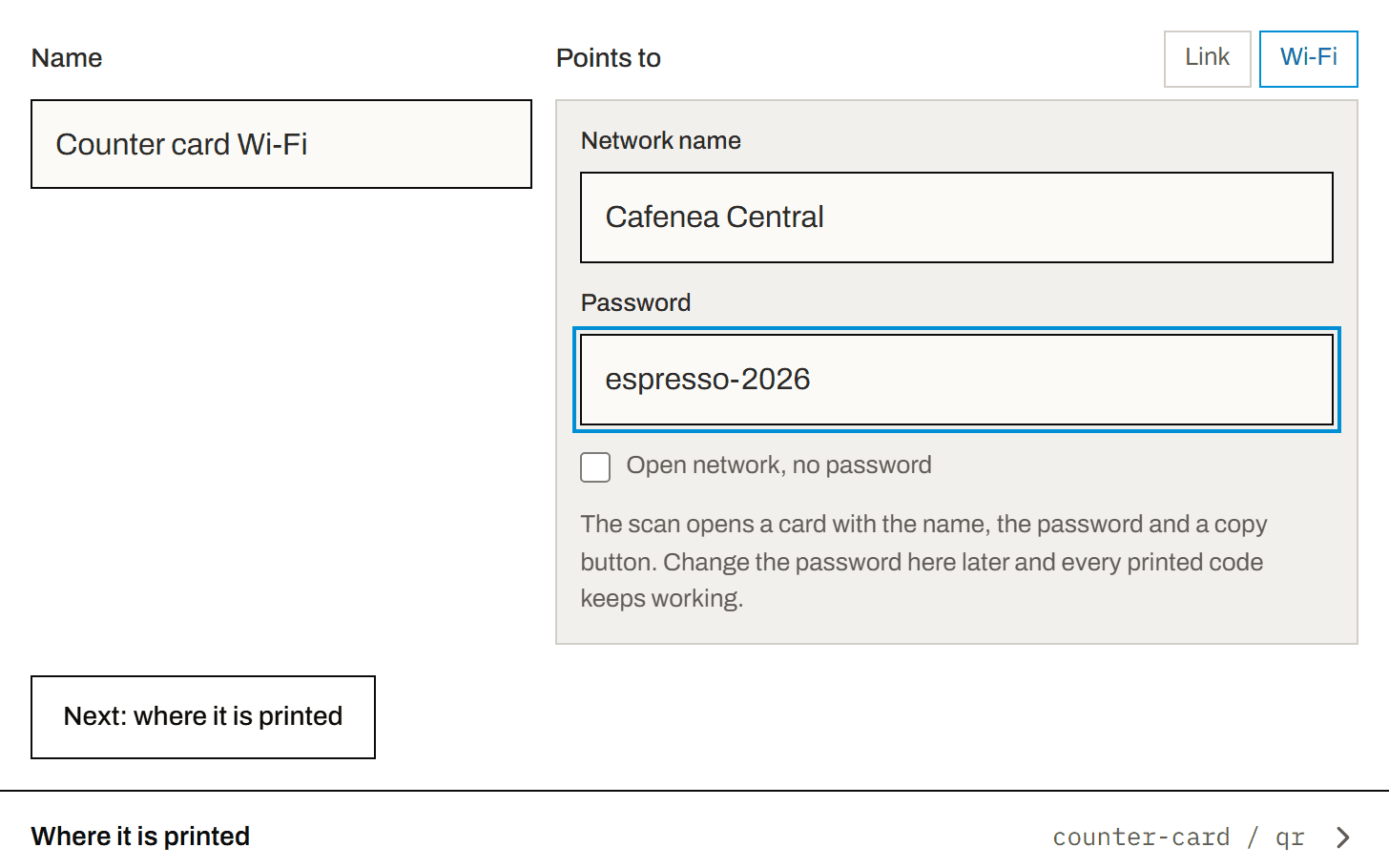
Step 2 of 6
Type the network and the password
Enter the network name and the password, 8 to 63 characters. No password? Tick “Open network, no password”. Then click “Create QR code”.
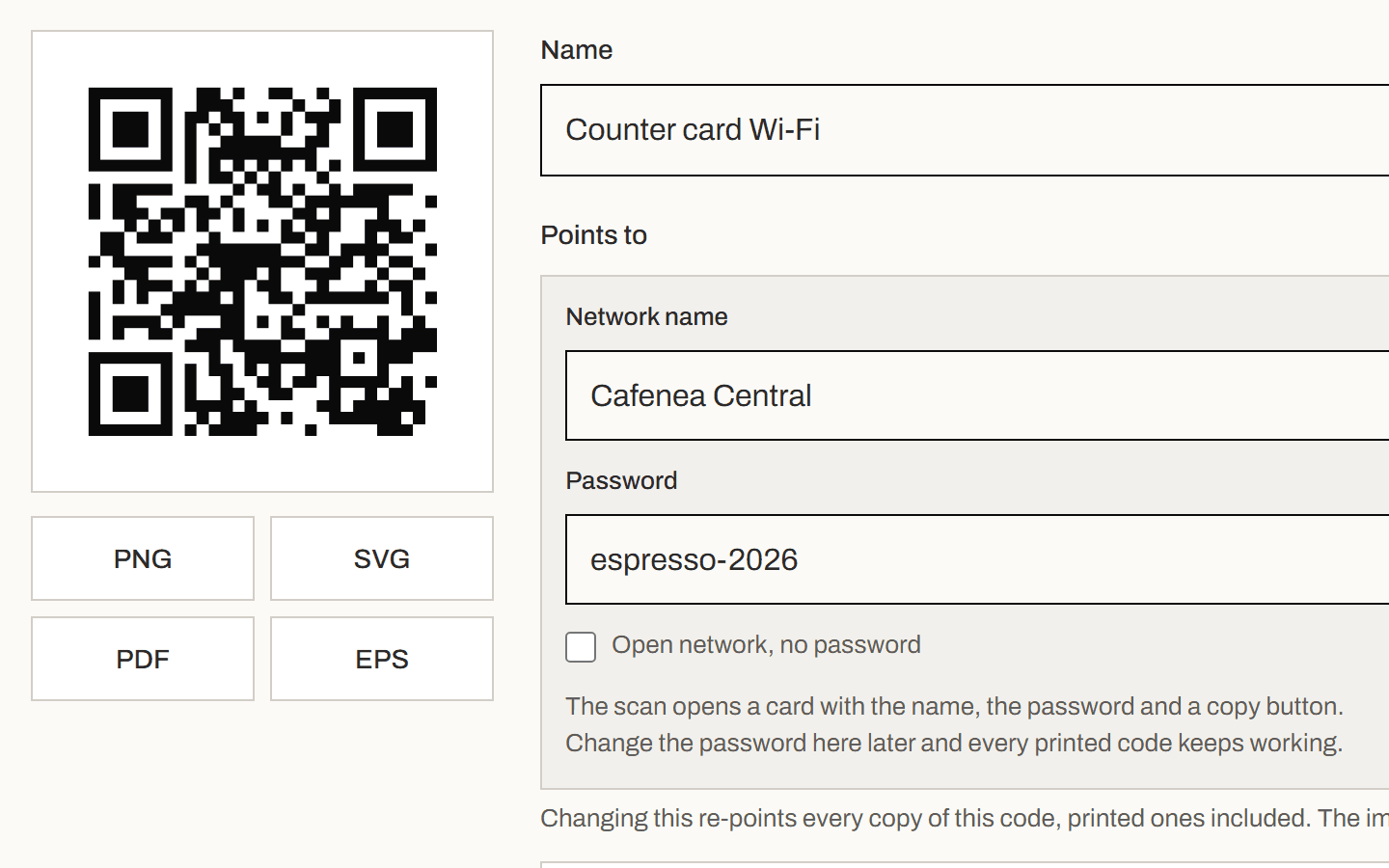
Step 3 of 6
Download it and print it once
The code's page opens with the image and its downloads. Print it for the counter, the tables or the bottom of the receipt.
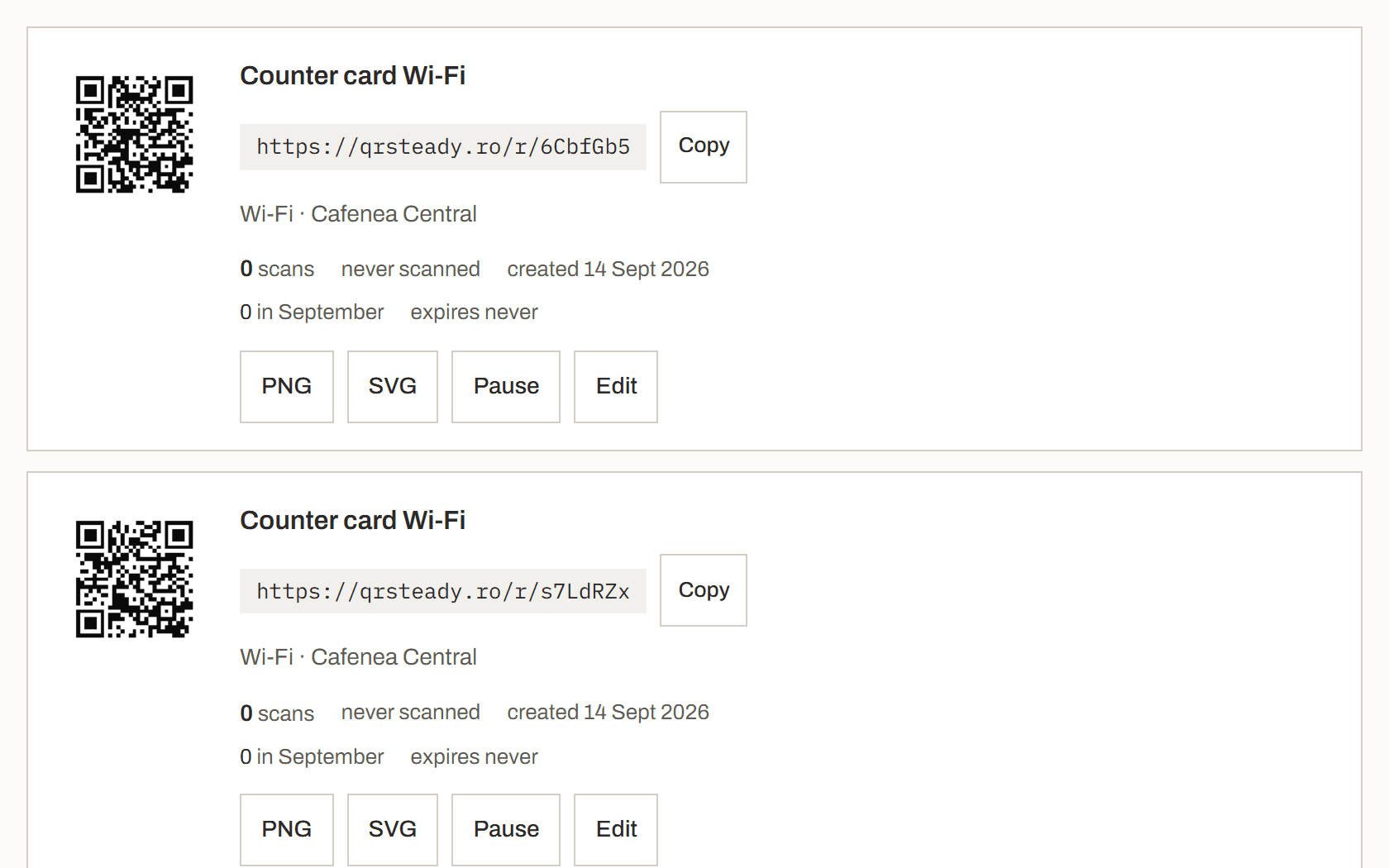
Step 4 of 6
When the password changes, open the code
Change the password on the router first. Then find the code in your list in the account and click “Edit”.
Step 5 of 6
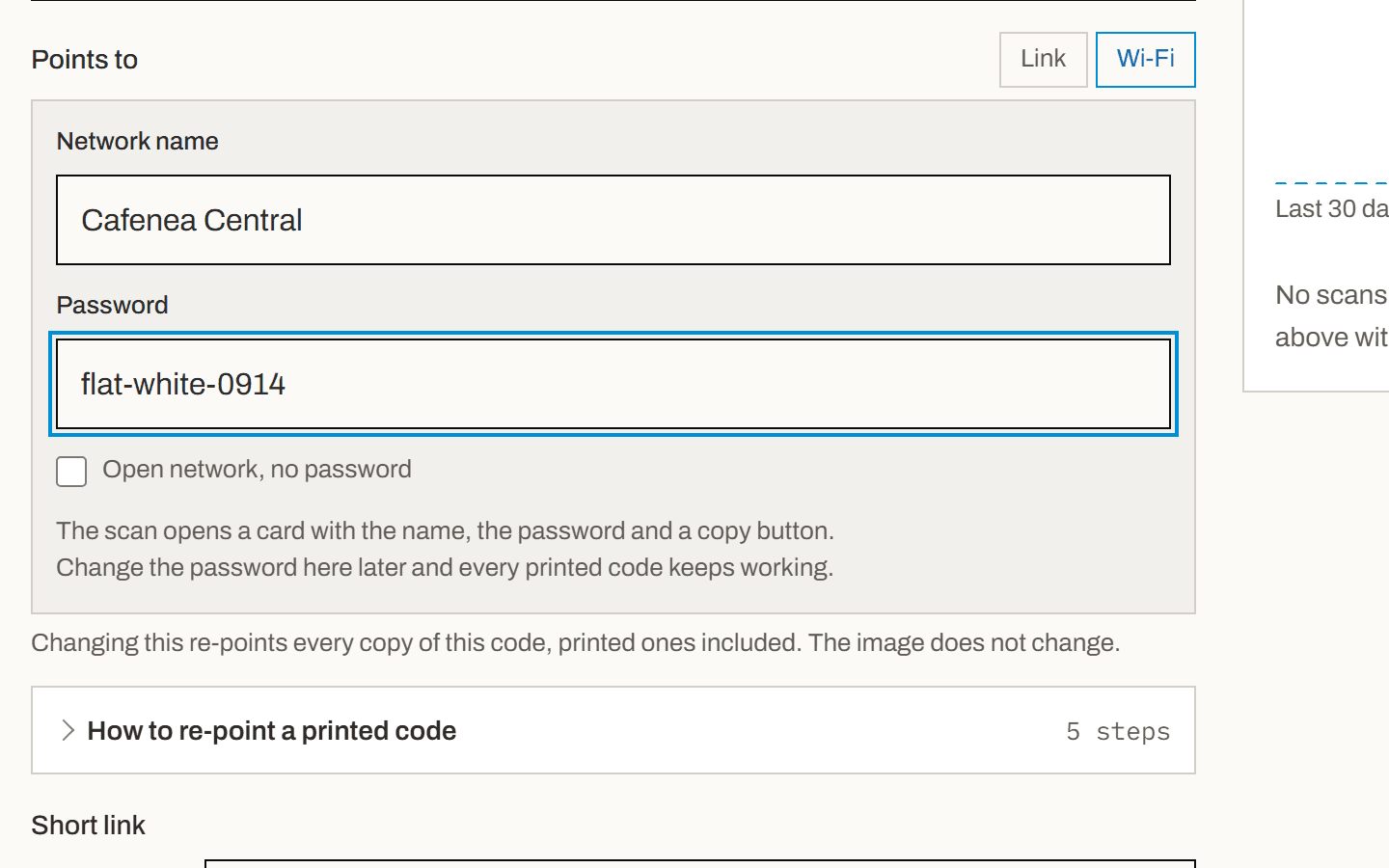
Type the new password and save
The code's form opens on Wi-Fi with the current details. Replace the password, then click “Save changes” at the bottom of the form.
Step 6 of 6
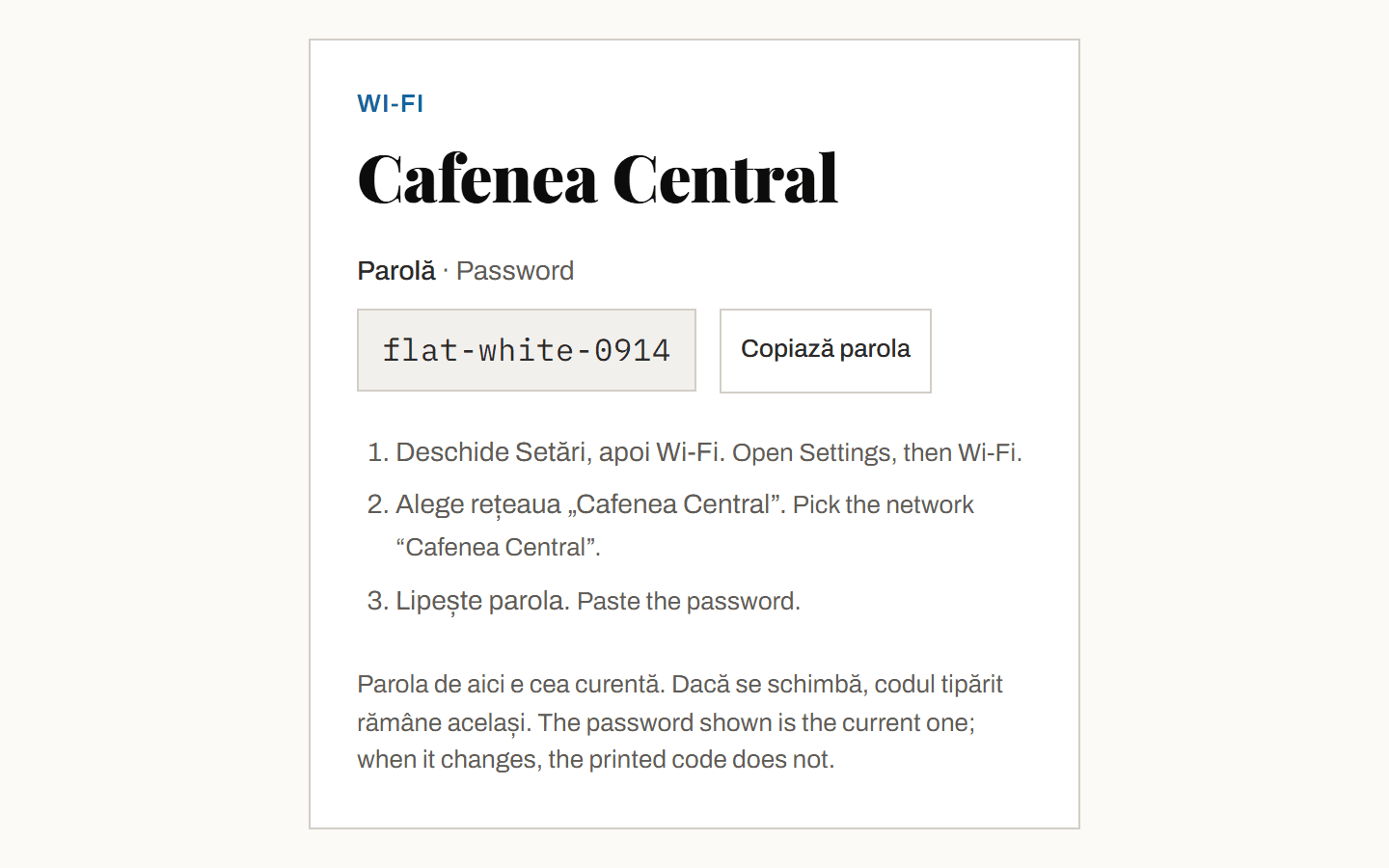
The printed card shows the new one
Anyone who scans from now on sees the new password with a copy button. Nothing is reprinted, and the scans are still counted in your account.
What goes wrong here
The password changes and the cards do not. A WIFI: payload cannot be repointed by anyone, ours included. It is the one code type that breaks the promise this product is built on, so it is not offered. A card that shows the current password is the Wi-Fi code you can fix from a phone in thirty seconds.
What it costs
- Live codes
- 3 free, unlimited on Pro
- Scans
- Never capped, any plan
- History
- 7 days free
- Expiry
- None, including after you stop paying
On a counter card
Read from arm's length by somebody holding a coffee, so small is fine and matt stock matters more than size. The card is also the most reprinted thing in the venue when it goes wrong, which is the whole argument for a code that does not.
A common starting point is a code about a tenth as wide as the distance it will be read from. Print one at that size, scan it with the oldest phone you can find, and adjust. No table can answer this for your paper and your lighting.
Show me how to size it5 steps
Step 1 of 5
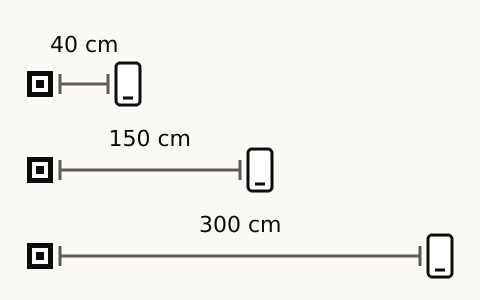
Find the scanning distance
Stand where somebody will stand to scan it, and measure to where the code will be. A table tent or a business card is read from arm's length, a window poster from the pavement, a car from the pavement or the car behind.
Step 2 of 5
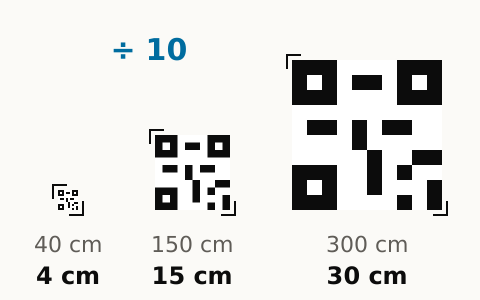
Make it about a tenth of that distance
A common starting point is a code about a tenth as wide as the distance it is read from. From forty centimetres that is about four, from three metres about thirty. Keep a clear white margin around it.
Step 3 of 5
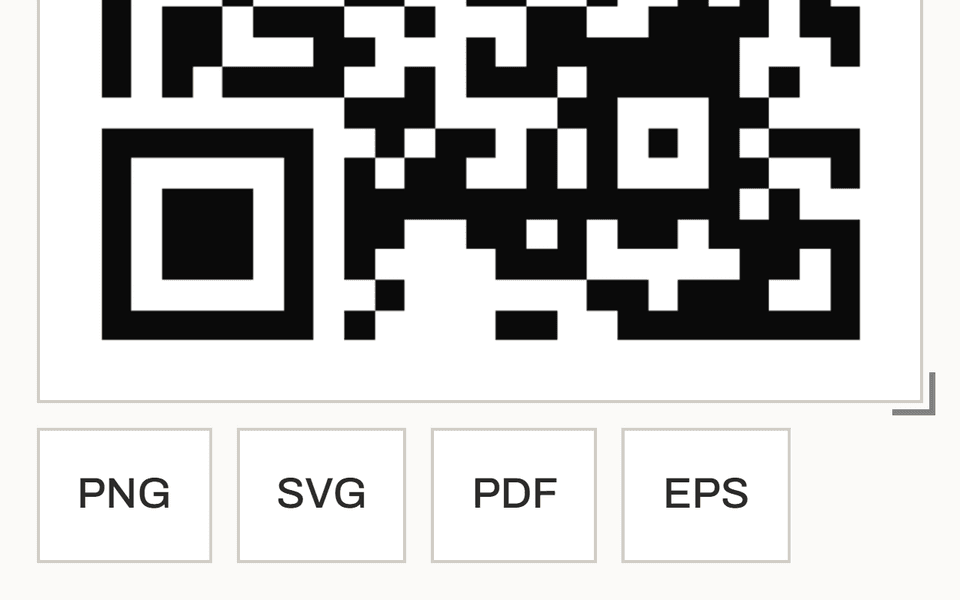
Download the file that fits the size
For a flyer, a card or a table tent, the PNG is enough. For a poster or a car, take the SVG or the PDF, which stay sharp at any size. On a Free account the code's page offers the PNG. SVG, PDF and EPS come with Pro.
Step 4 of 5
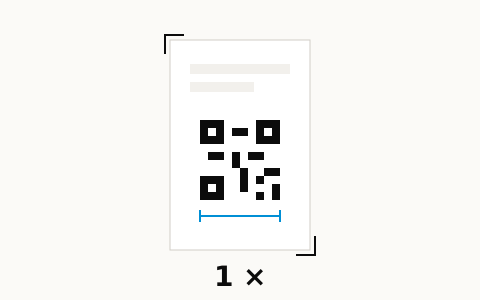
Print one proof
Print a single copy at that size, on the paper or vinyl the run will use. Matt stock scans better than gloss, and a fold or a foil finish across the code can stop it scanning.
Step 5 of 5
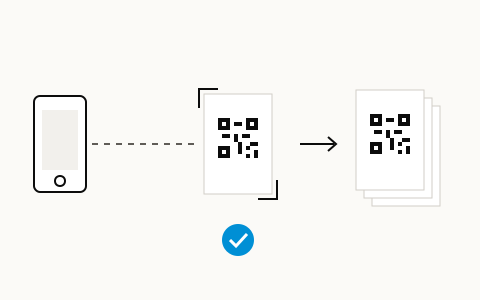
Scan it from the real distance, then print the run
Stand at the distance from step 1 and scan the proof with the oldest phone you can find, in the light it will hang in. If it hesitates, make the code larger and print another proof. When it scans at once, print the run.
What you give up
Auto-join. A WIFI: code offers the phone the network in one tap. Here the guest copies the password and pastes it in Settings. That is the price of a card that does not die:
- Two taps more for the guest, and mobile data until the phone is on the network.
- If your password never changes and one-tap joining is the whole point, a classic Wi-Fi code is the right choice. This page says so rather than sell you ours for a thing it does not do.
What it accepts
- Network name: up to 32 characters.
- Password: 8 to 63 characters, printable ASCII only, no accents, as WPA requires.
- Open network, no password: supported, and the card says so instead of showing one.
No card. Nothing you print here stops working.